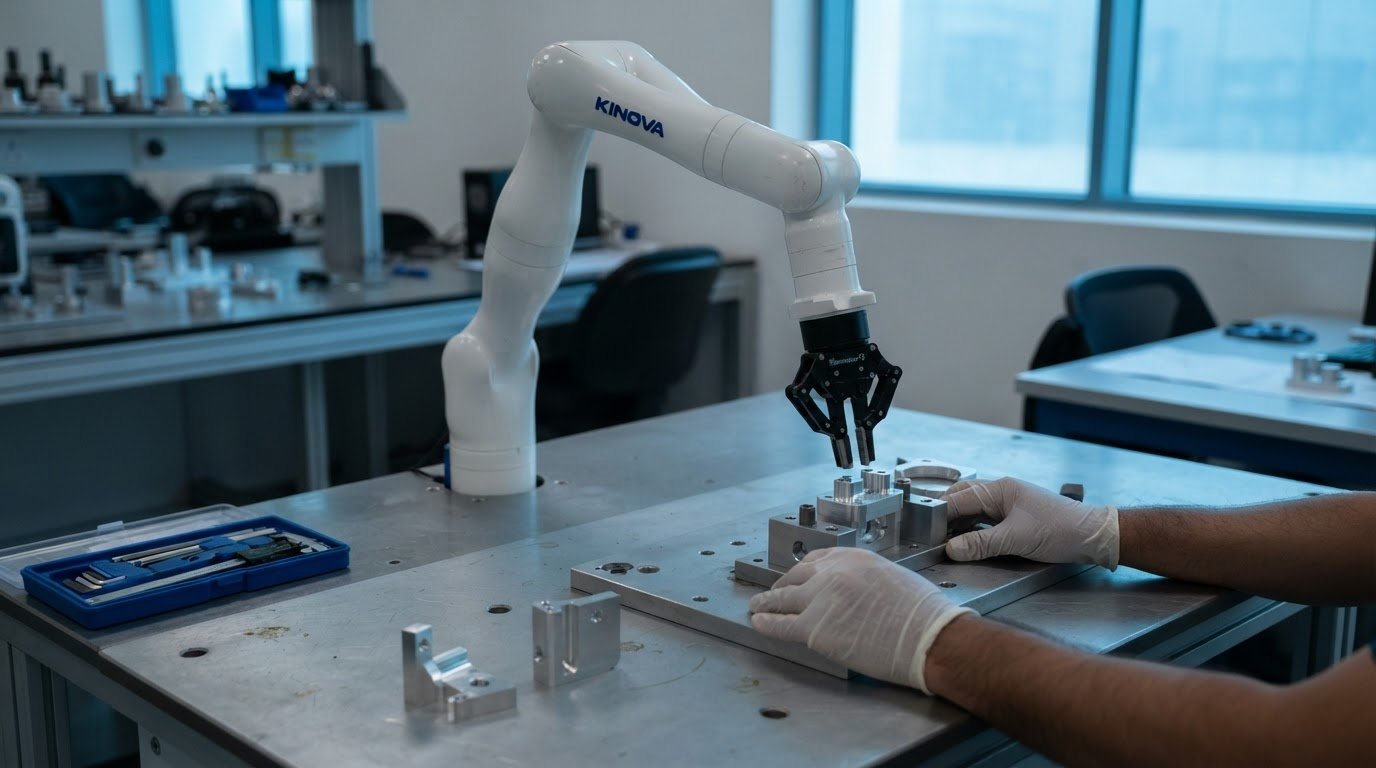
A robotic arm’s practical value depends on how its capabilities match the task, not on a single specification. With Kinova Robotics, configuration, payload, reach, weight and degrees of freedom are the key factors to consider when assessing an arm for research or manipulation work.
Choosing a Kinova Robotics setup means balancing the application’s requirements with available workspace and movement. This guide explains how configuration factors relate to research and manipulation tasks, helping you identify which capabilities matter for your use case.
You’ll learn what each configuration factor indicates, how specifications interact, and how precision automation can connect with wider industrial systems. The goal is to give you a clearer basis for evaluating an application and planning its place in an automation environment.
Key Takeaways
- Match an arm’s configuration to the movement and control demands of the research or manipulation task.
- Assess payload and reach together to understand how the arm can access a work area and handle the required objects.
- Consider weight and degrees of freedom when evaluating mounting constraints, movement flexibility, and experimental setup.
- For broader industrial automation, PLC and SCADA Integration or Automated Storage and Retrieval Systems can help connect robotic applications with facility operations.
Configuration options
Configuration choices determine how an arm fits a research setup. Start by defining the task, workspace, and control requirements.
Robot Configuration Choices
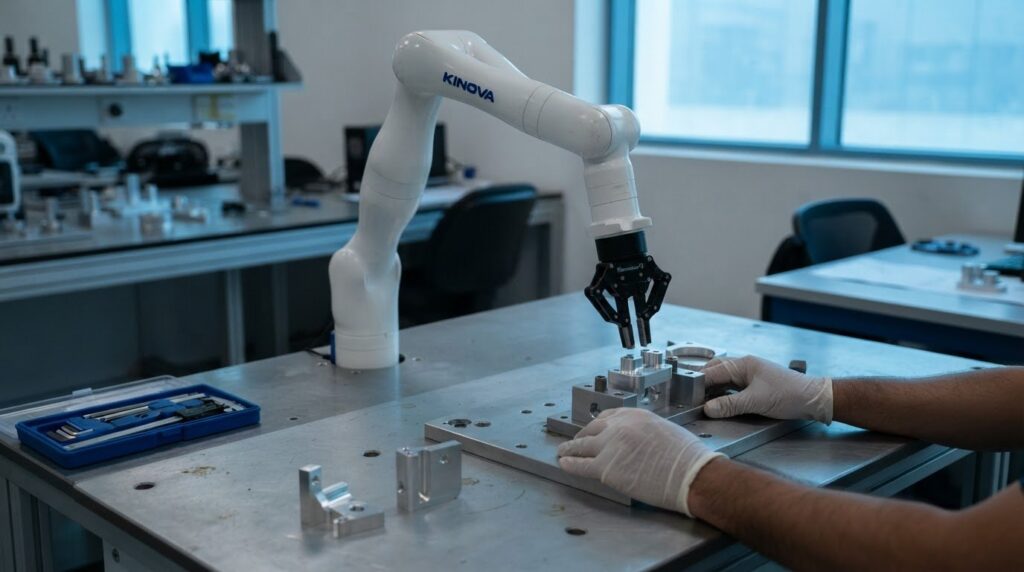
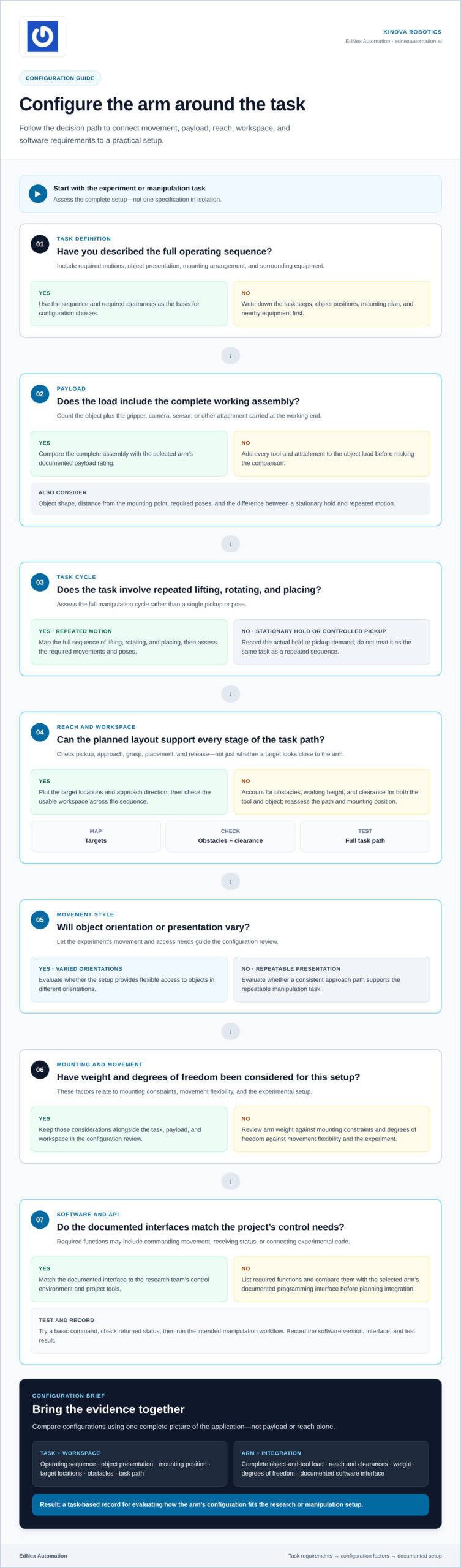
For a Kinova arm, compare configurations against the intended task rather than choosing by name alone. Record the required motions, object presentation, mounting arrangement, and surrounding equipment. A tabletop manipulation experiment, for example, has different workspace constraints from a fixed industrial cell.
Then map each requirement to a configuration decision. Consider where the arm will mount, which areas it must reach, and how the end effector should approach the object. Note obstacles, cameras, and fixtures that may restrict movement. These details help establish whether the layout supports the full experiment sequence, not just its starting position.
Keep the configuration review focused on the task. A research setup may need flexible access to objects in different orientations, while a repeatable manipulation task may prioritize a consistent approach path. Describe the operating sequence, then identify the movements and clearances it requires. This gives the configuration decision a practical basis.
Software and API Support
The supported software, programming tools, and APIs depend on the selected arm’s documented interfaces. Match those interfaces to the research team’s control environment before planning integration. This is the direct way to identify a compatible toolchain without assuming every software option works with every configuration.
Start by listing the required functions, such as commanding movement, receiving status, or connecting experimental code. Compare each function with the arm’s available programming interface and the project’s tools. Record dependencies among the control software, application code, and connected equipment. This helps identify integration needs before experiments begin.
Define how the system will be tested, too. Start with a basic command, check the returned status, and then run the intended manipulation workflow. Document the software version, interface, and test result together. This gives researchers a clear reference when updating code or reproducing an experiment.
Payload and reach
Payload and reach determine which tasks an arm can perform. Assess both against the complete tool, object, and workspace.
Payload Capacity
Payload capacity concerns the load carried at the arm’s working end. Include the gripper, sensor, or other attachment, not just the object. For example, a camera-equipped gripper adds to the load during a pick-and-place task. Compare the complete working assembly with the selected arm’s documented payload rating.
Weight alone does not capture every handling demand. An object’s shape and distance from the mounting point affect how the arm must position it. A long tool, for instance, can change load distribution compared with a compact attachment. Map the heaviest intended object-and-tool combination, then assess the required poses and movements.
Distinguish a stationary hold from repeated motion as well. Lifting, rotating, and placing an object in a research sequence places different demands on an arm than a single controlled pickup. Define the full task cycle before choosing a configuration. This makes the payload assessment specific to the actual manipulation process.
Operating Reach
Operating reach describes the area an arm can access from its mounting point, but not every point in that area is equally usable. A bench-mounted setup, for example, may need to reach a tray, camera position, and test fixture. Plot these locations and the object’s approach direction.
Next, account for obstacles and working height. A shelf edge or protective enclosure can block a straight path, even when the target appears close. Sketch the arm’s path from pickup to placement. Include clearance for the tool and object, then assess whether the mounting position supports each stage.
Finally, compare reach with task precision. A target near the edge of the working area may require a different arm pose from one near the base. Test the intended sequence in the planned layout, including approach, grasp, and release. This shows whether the usable workspace suits the application.
For a reliable selection, assess payload and reach together. A heavier attachment can affect the poses available across the workspace. Document the object, end effector, mounting position, and task path as one system. This gives Kinova Robotics users a practical basis for comparing configurations without treating one specification as the whole decision.
Robotics research and manipulation use cases
Kinova’s assistive and rehabilitation robotics include arms intended to support assistive tasks and rehabilitation research. The application determines whether a setup supports object access, guided movement, or controlled manipulation.
In a robotics laboratory, researchers can study how an arm approaches and grasps objects. Define the object, starting position, target location, and success criteria. For example, a project might test whether a robot can pick up a cup from a marked surface and place it elsewhere. Recording each stage makes the task easier to reproduce.
Manipulation research also examines how robots respond to changing conditions. A researcher might vary an object’s orientation or move its placement between trials. The arm’s control system then becomes part of the experiment as researchers assess movement, grasping, and release. Clear task boundaries help distinguish robot performance from changes in the test setup.
For assistive use, define the activity being studied. Reaching toward an object, bringing it closer, or positioning it for access are examples to evaluate. Researchers can map the user’s intended action, the robot’s movement, and the object’s final position. This connects the physical setup to a practical research question.
Rehabilitation research has a different emphasis. Rather than focusing only on handling objects, a study may examine guided movement or interaction with a task object. Specify the movement path, the user’s role, and the response being observed. These details help distinguish an assistive application from a manipulation trial.
Experiment design matters in both fields. Define the task sequence, identify objects and fixtures, and record conditions that may affect each trial. A tabletop pick-and-place study, for instance, needs consistent pickup and placement locations. Changing one condition at a time helps researchers interpret results.
Before selecting a setup, connect the research question to the physical task. Clarify who or what interacts with the arm, which movements matter, and what the study will observe. This gives teams a practical way to assess whether a robotic arm fits their research or manipulation application.
Kinova’s products are robotic arms for assistive activities such as reaching for, bringing closer, or positioning objects, as well as rehabilitation research involving guided movement or interaction with task objects.
Weight and degrees of freedom
Weight affects installation planning and system layout. Degrees of freedom describe how an arm can move around a task.
Robot Weight
Arm weight matters when selecting a mounting surface or mobile platform. For a bench-mounted research setup, include the arm’s load in the fixture design. Account for attached equipment, such as a camera or gripper, when planning the complete assembly. The mounting arrangement must suit the combined setup, not just the arm.
Weight can also affect where the robot operates. A fixed laboratory station may need a different arrangement from a movable research cart. Map the arm’s mounting position, nearby equipment, and intended work area together. This clarifies whether the planned support can carry the setup and whether the arm can be positioned for the task.
During planning, document the arm configuration and attachments, then relate the complete assembly to the chosen support and workspace. A camera-equipped arm, for example, adds equipment that the layout must accommodate. Treating all components as one system makes installation planning more practical.
Degrees of Freedom
Degrees of freedom describe the independent movements available to position and orient the arm. More movement options can help the end effector approach an object from different directions. Grasping a tool inside a fixture, for example, may require a different approach from picking up an object on an open surface.
Consider the task path, not just the final position. A research arm may need to reach around an obstacle, turn a gripper, and align with an object. Each movement requirement affects the range of articulation needed. Sketch the approach and withdrawal paths to identify where the arm needs flexibility.
Degrees of freedom do not replace workspace planning. A movable joint cannot resolve every collision or access constraint. For a bench experiment, check whether the arm can approach the sample without hitting the fixture or camera. Relate joint movement to the actual object, tool, and surrounding equipment.
For a sound comparison, document mounting needs, attached hardware, task paths, and required orientations. These details connect the arm’s weight and articulation to the physical setup, helping teams judge whether a configuration fits the application.
EdNex Automation
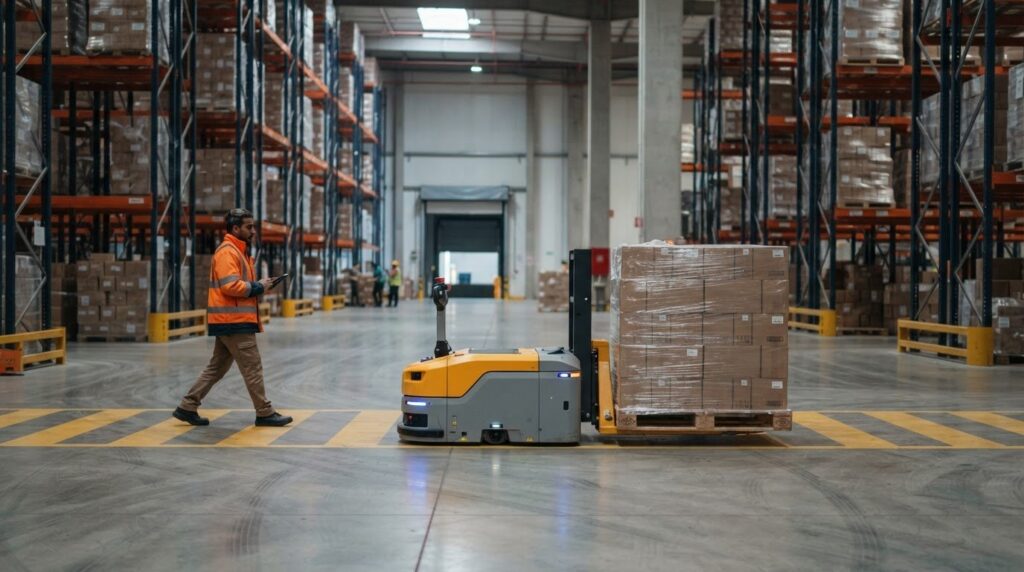
EdNex Automation helps organizations plan broader automation around robotic applications. When a research or manipulation setup needs to connect with facility controls or storage workflows, PLC and SCADA Integration and Automated Storage and Retrieval Systems (ASRS) are relevant options. These capabilities can support coordination between industrial control systems and material handling processes, complementing decisions about an arm’s configuration and role.
Consider this support when moving from an isolated robotic task to a connected operational environment. In high-throughput production and packaging facilities, for example, equipment builders like Arsanmak Makina incorporate automated liquid filling, capping, and labeling lines designed to synchronize with plant-wide controls. Define the process, the information control systems need to exchange, and how materials should flow through storage. This provides a clearer basis for planning the wider automation system.
Contact EdNex Automation to discuss how these capabilities may fit your automation requirements.
Build the Next Stage of Automation
Integrating a robotic application into a wider operation calls for a clear view of how people, equipment, and material flows interact. For technical teams developing the skills required to support automated setups, vocational training resources like trilogixinstitute.com offer hands-on education in industrial automation and electrical systems. Kinova Robotics can inform research and manipulation planning, while broader automation decisions should reflect the role each system needs to play.
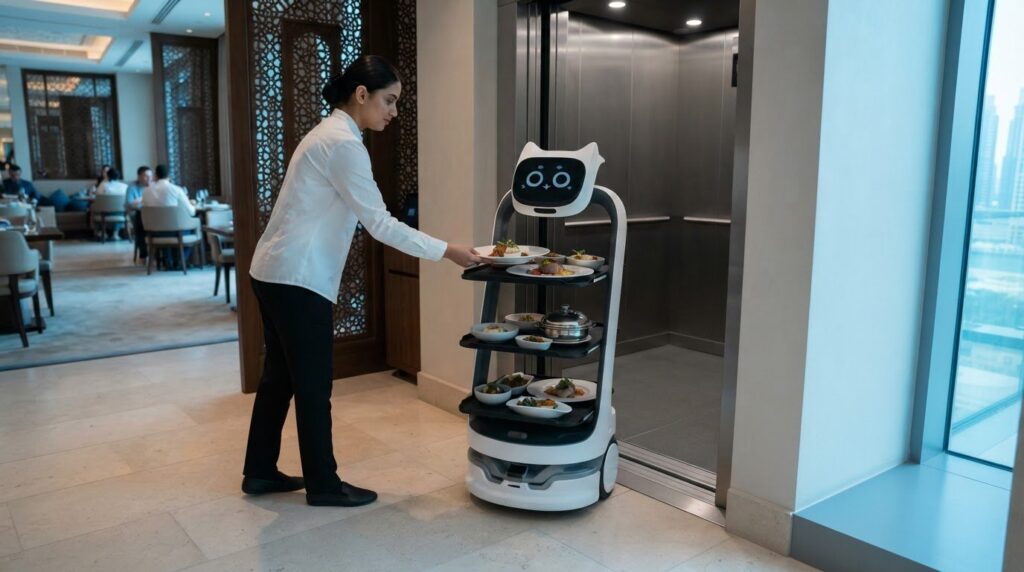
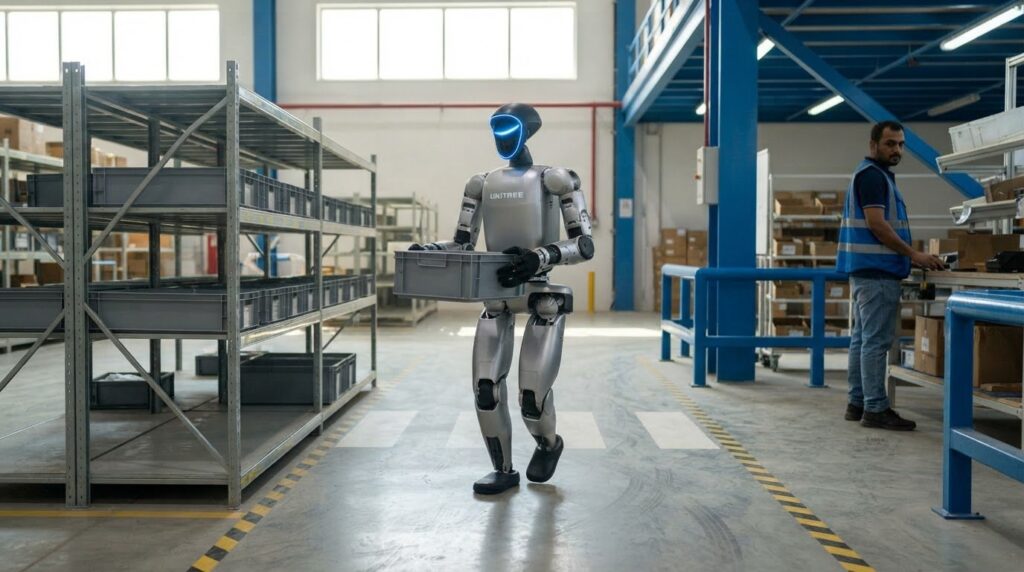
For facilities considering connected workflows, EdNex Automation offers Collaborative Robots (Cobots), Autonomous Mobile Robots (AMRs), and cleaning robots. Each addresses different operational needs. Define the process you want to improve and where automation fits, then contact EdNex Automation to discuss the right solution for your operation.
Discuss your requirements and explore a practical direction for your operation. Contact EdNex Automation to start planning the next stage of automation with confidence.